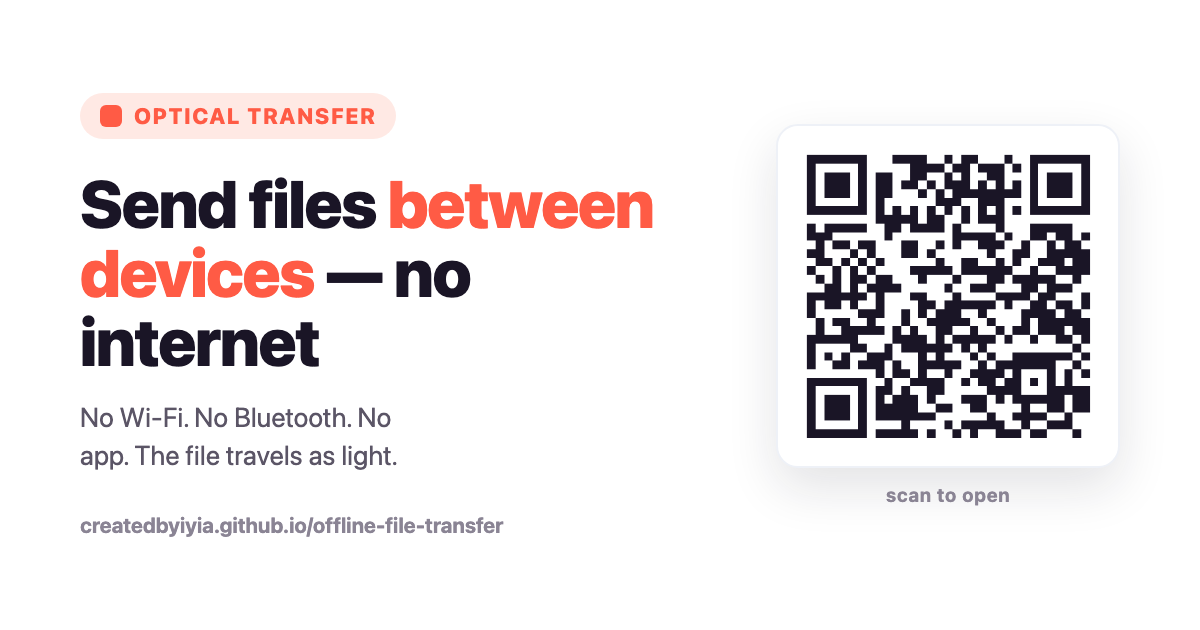
Imagine sending a file — a photo, a PDF, a private document — from one device to another with no internet, no Wi-Fi, no Bluetooth, no cable, and no cloud. Not "offline mode." No connection of any kind between the two devices.
That is exactly what Optical Transfer does — the open-source project that recently went viral, racking up thousands of GitHub stars and catching the eye of the tech press. We're a little obsessed with it, because it takes the humble QR code somewhere unexpected: turning it into a private, offline pipe for real files.
How it works: your screen becomes the wire
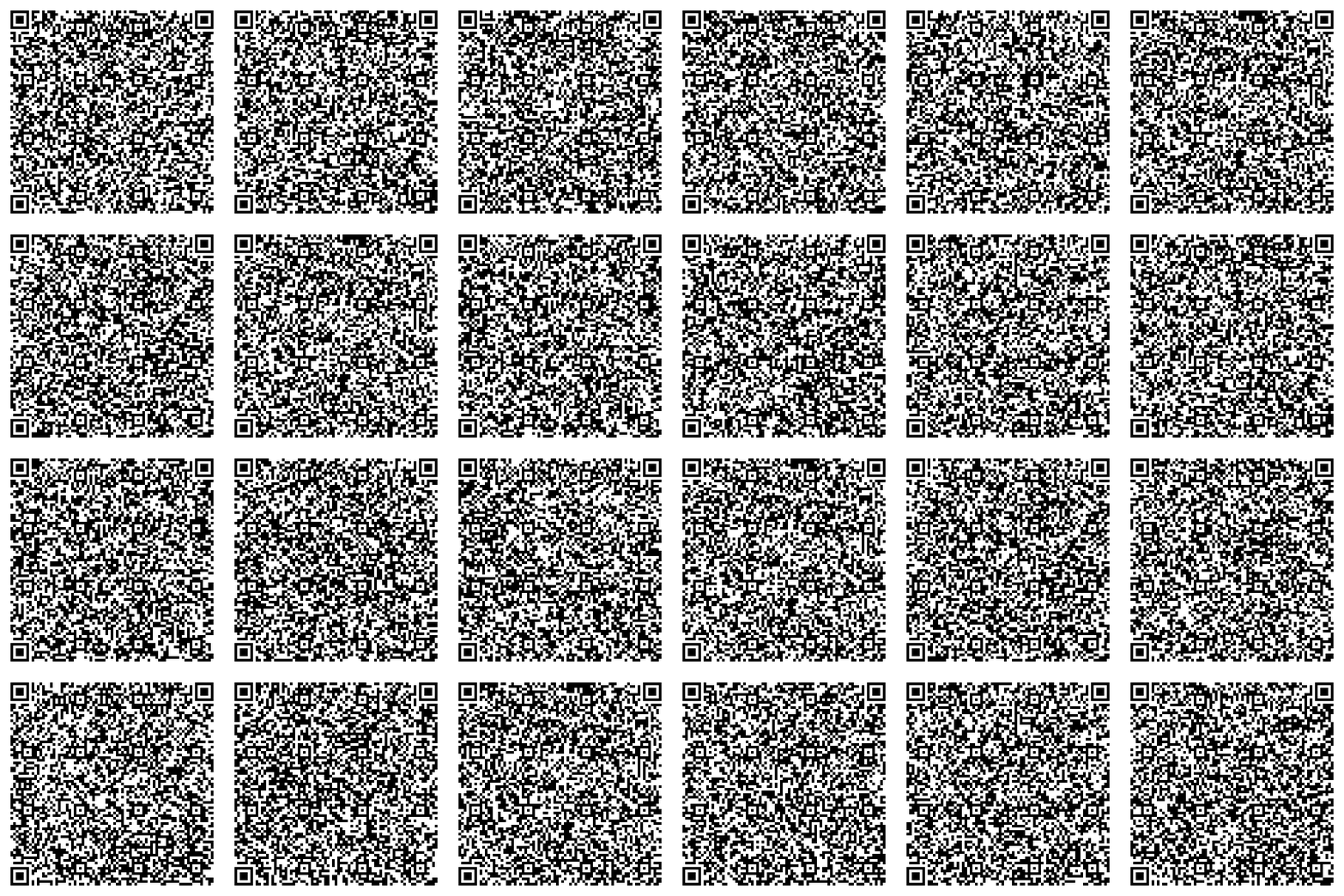
One device displays the file as an endless stream of animated QR codes. The other device points its camera at the screen and reads them. That's it. The payload literally travels as light, from a screen to a lens.
The clever part is the encoding. Instead of sending numbered chunks that must all arrive in order, it uses fountain codes: every frame is a small piece of the puzzle, and the receiver can rebuild the whole file from any frames it happens to catch, in any order. Miss a few because of a blink or a shaky hand? No problem — the file still reassembles, verified by checksum. You can even show a grid of several QR codes at once to go faster.
It's the QR code pushed far past "a link you scan" — QR as an actual data channel.
Why we think this matters
This isn't just a neat hack. It's a bet on a direction we care about: sharing that doesn't depend on being connected. Three reasons stand out.
1. Where the signal isn't
Mountains, basements, planes, packed festivals, rural regions, disaster zones — anywhere the bars drop to zero. Traditional sharing (AirDrop aside) assumes a network that is often the first thing to fail. A screen and a camera, on the other hand, work everywhere and always. Two phones in a dead zone can still hand a file to each other.
2. A future where the internet isn't guaranteed
Outages, shutdowns, censorship, or simply a world where always-on connectivity can't be taken for granted. Offline-first tools are quietly a form of resilience — and, in some places, of independence. The ability to move information without asking anyone's network for permission is worth keeping alive.
3. Private by physics, not by policy
Some documents shouldn't ride the usual rails at all. With optical transfer there is no upload, no server, no third party, no logs. The bytes never leave the room — they exist only as light on a screen and pixels in a camera. That is air-gapped privacy achieved by physics, not by a privacy policy you have to trust. For sensitive or confidential files, that distinction is everything.
The same philosophy behind Codex QR
QR codes were never really "just links." At Codex QR we've always leaned into the offline, privacy-first side of them: static codes that never expire, scanning that works with no connection, no tracking, and your data staying on your device. Optical Transfer is that same idea taken to its logical extreme — the QR code as a private, offline channel for whole files, not just addresses.
It's a reminder that a QR code is a medium, and the most interesting uses often have nothing to do with the cloud.
How to use it (in 4 steps)
You need two devices — a laptop and a phone are perfect. Everything runs in the browser at the Optical Transfer site. No app, no account.
- Open the sender on the device that has the file (a laptop or PC is ideal). Choose your file. For a big speed boost, open Settings and switch QR grid to 2×2 — the screen will show four codes at once, like the animation above.
- Open the receiver on the other device. On your phone, open the same site, tap Receive, then Start camera. (Handy shortcut: before you pick a file, the sender shows a single QR you can scan to jump straight to the receiver.)
- Point and hold steady. Aim the phone at the flashing codes. A progress bar fills as frames come in — keeping the phone still is the single biggest speed tip.
- Save. When it says Transfer complete, the file previews inline (image, PDF, and more) and you tap Save. That's it — no internet was ever involved.
Want to feel the magic? Turn your Wi-Fi and Bluetooth off first, then do the transfer anyway. It's free and open-source.
Love offline, private QR tools?
Codex QR generates unlimited QR codes and scans them — 100% offline, no tracking, your data never leaves your device.
Download for Windows