Most QR codes encode https:// URLs. That covers 95% of use cases. The other 5% — the genuinely interesting one — is QR codes that launch something on the local machine: a file on a shared drive, a folder, an intranet app, a desktop application via its registered URL scheme.
These QR codes are useful when:
- You're inside a corporate network and your content lives on a file server, not a public web server
- You want a sticker on a meeting room that opens the Zoom/Teams meeting in the desktop client
- You're documenting an internal tool that already has a
myapp://scheme - You're handing off encrypted-share content via
magnet:URIs - You're labelling lab equipment with a QR that opens its calibration log on the network
The catch: many QR generators and scanners actively break these URLs because they assume "URL = http://something" and prepend http:// to anything that doesn't already start with it. This article shows what works, what to watch out for, and how to generate codes that pass through clean.
The URL schemes that work in QR codes
The QR code itself stores raw text. There's no protocol enforcement at the encoding level — a QR can contain literally any bytes. The constraint is on the scanner side: when the user scans, the scanner decides what to do with the decoded text. Most modern phone scanners (iOS Camera, Android Lens, the default Windows Camera app) honour the URL scheme they recognise.
Schemes that work in practice on a modern OS:
| Scheme | Opens | Example |
|---|---|---|
https:// | Default browser | https://intranet.acme.com/sop/wc-517 |
http:// | Default browser | http://192.168.1.100:8080/dashboard |
file:/// | File Explorer / Finder | file:///L:/SOPs/wc-517.html |
smb:// | File Explorer (SMB share) | smb://fileserver/SOPs/wc-517.pdf |
ftp://, sftp:// | FTP client (if installed) | sftp://user@host/path |
mailto: | Mail client | mailto:support@acme.com?subject=Issue |
tel: | Phone dialer | tel:+390233445566 |
sms: | Messages app | sms:+390233445566?body=Hello |
geo: | Maps app | geo:45.4642,9.1900?q=Acme+HQ |
| Custom app schemes | The registered app | zoommtg://, slack://, vscode:// |
If you can paste a URL into your address bar and it opens the right thing, you can encode it in a QR.
The pitfall most generators get wrong
A common defensive heuristic in QR scanner code is: "if the text doesn't start with http, but it looks like a URL (has a dot in it), prepend http://". That heuristic is good for casual users typing acme.com into a QR; it's catastrophic for everyone using a real URL scheme.
Concretely: a QR encoding file:///L:/Share/SOP.html gets read by a buggy scanner as file:///L:/Share/SOP.html, fails the "starts with http" check, gets http:// prepended, becomes http://file:///L:/Share/SOP.html, then the OS URL parser strips the colons it doesn't like, and the user ends up with http://file///L:/Share/SOP.html in their browser — which goes nowhere.
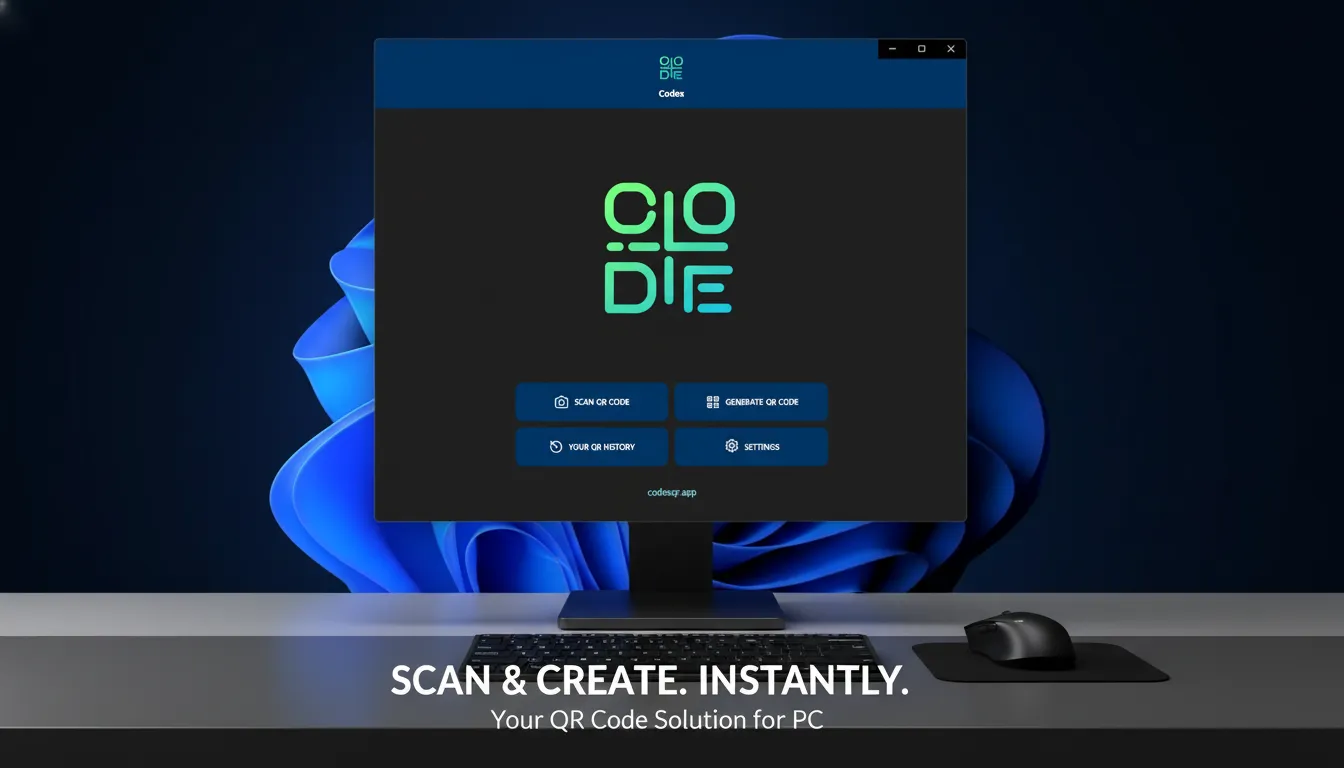
The right fix is to detect ANY scheme (per RFC 3986: a letter followed by letters/digits/+/-/., then :) and skip the prefix logic. Codex QR Desktop v10 does this correctly. If your scanner is mangling file:// URLs, this is the bug you're hitting.
How to encode each common case
A local file on the C: drive
file:///C:/Users/Public/Documents/manual.pdfNote the three slashes: file:// + / + path. The first character of the path is the drive letter without a colon-escape (Windows is forgiving).
A file on a mapped network drive
file:///L:/Share/SOPs/wrapper-machine.htmlThis works if the scanning device has the same drive letter mapped to the same network location. If the operator's phone or tablet isn't on the corporate network, they get an error. For mobile-first deployment, prefer the next option.
A file on a network share (SMB)
smb://fileserver.acme.local/SOPs/wrapper-machine.htmlOr with explicit hostname:
smb://192.168.1.50/Share/SOPs/wrapper-machine.htmlThis is more portable than file:// for mobile clients that can mount SMB. iOS Files app handles smb:// natively since iOS 13; Android does not (you need an SMB client).
An intranet URL (best practice)
https://intranet.acme.local/sop/wc-517
https://wiki.acme.com/sop/wc-517
For any environment with a working internal HTTP server, this is the cleanest. You get redirects, versioning, access control, audit logs — all for free. Worth setting up if you're going past a hundred QR codes.
A meeting link that opens the desktop client
zoommtg://zoom.us/join?confno=1234567890&pwd=abc123
msteams://teams.microsoft.com/l/meetup-join/...
A QR on a meeting room wall that joins the recurring stand-up. Scan from your phone, the phone hands off to the desktop Zoom/Teams app if installed. Falls back to web if not.
A path that opens a specific document section
file:///L:/SOPs/wrapper.html#chapter-3
https://intranet.acme.com/sop/wrapper#step-5
Hash fragments survive QR encoding and are honoured by browsers. Great for SCORM-style training pages where each chapter has an anchor.
A custom app scheme for your in-house tool
acmecmms://asset/WC-517
labtracker://run/2026-05-11
If your team has a desktop app with a registered URL handler, you can put the asset ID directly in the QR. Scanning opens the app on the right record. Reduces the click count from "open browser → log in → search → asset" to one scan.
Generating these QR codes
Most online QR generators handle these URLs fine — the bug is on the scanner side. But: if you use a generator that "validates" the URL before encoding and rejects anything non-http, switch generators. Codex QR Desktop encodes whatever you type without enforcement. Note that for cloud-based dynamic QR codes (which route through an HTTPS redirect), browsers block redirects to non-http(s) schemes — so for file:// and friends, use a static QR (encoded directly), which is exactly what the desktop app produces.
For batch generation of, say, 50 SMB URLs for 50 SOPs, see the bulk generation guide — same flow, just put your smb://... URLs in the CSV second column.
Scanning these QR codes
Your scanner matters. Test before you print:
- iOS Camera (default) — handles
https,http,file://(opens Files app),smb://,mailto:,tel:, custom app schemes. - Android Lens / default Camera — handles the common ones.
file://support varies by manufacturer. Test with the actual phones your team uses. - Windows Camera app + Codex QR Desktop scanner — handles all RFC 3986 schemes (v10+). The
file://mangling bug described above is fixed. - Older Android scanners (Barcode Scanner from ZXing team and clones) — may still prepend
http://. Mostly retired but worth confirming.
If your operators are on phones that mangle file://, the fallback is either to host the same content on an intranet HTTP server, or to deploy a better scanner. Codex QR Desktop on Windows handles this case directly when the device is a Windows tablet.
A note on security
A QR code with a file:// or smb:// URL exposes a path in your infrastructure. Anyone who can photograph the sticker can read the path. This isn't usually a problem (the path alone doesn't grant access — auth still applies), but be aware:
- Don't put credentials in the URL (
smb://user:pass@host/...). They're visible to anyone with a scanner. - If the share contains sensitive material, rely on SMB-level authentication, not on the URL being secret.
- For high-sensitivity content, use a short-lived intranet URL behind SSO rather than
file://to a shared drive.
When to use which scheme
A quick decision tree:
- Content is on a public website →
https:// - Content is on an internal HTTPS server →
https://(use the intranet hostname) - Content is on a Windows file share, devices are on the same domain →
file:///orsmb:// - Content is a meeting / chat link → app scheme (
zoommtg://,msteams://,slack://) - Content is a record in an internal desktop app → custom scheme
- All else fails / mobile-first → host on intranet HTTP server, use
https://
Generate QR codes with any URL scheme
Codex QR Desktop v10 respects whatever URL you type — no http prefix, no validation. Free to install.
Download Desktop Read the pillar guide