AI QR code generator: turn a link into art that scans
Paste a link. Describe a picture. The AI draws it, and the picture is the QR code. Made for posters, cards, parties and shop windows that deserve better than a black and white square.
Try it free. Play with prompts until you love it.
- Checked for scannability
- Change the link later
- Scans counted
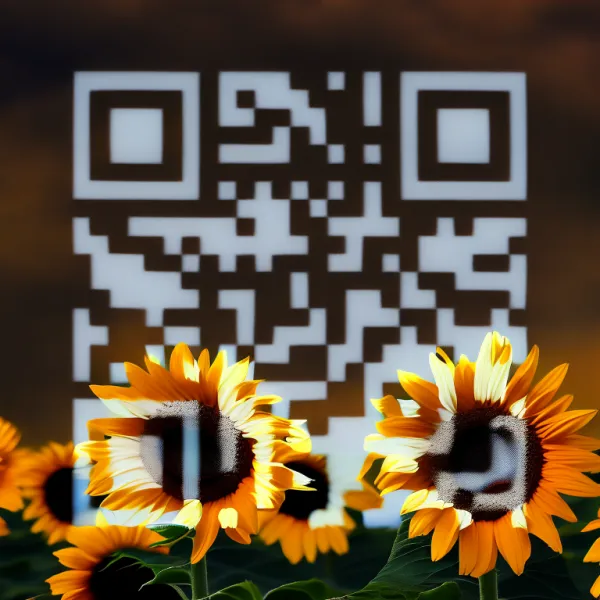
Real examples, drawn by AI
Every one is a picture. Every one is also a QR code. No two come out the same.
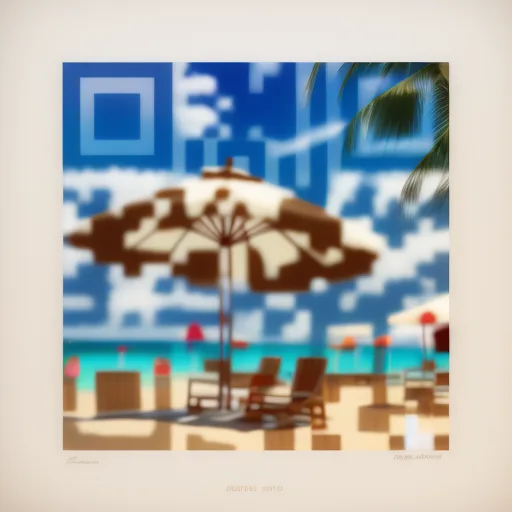 Beach umbrella
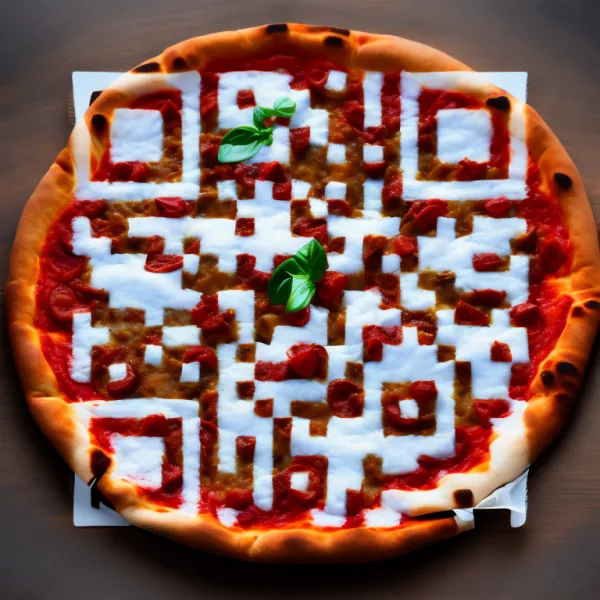 Pizza
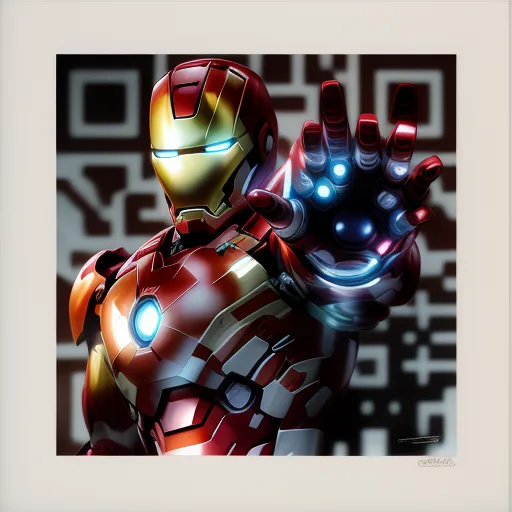 Armoured superhero
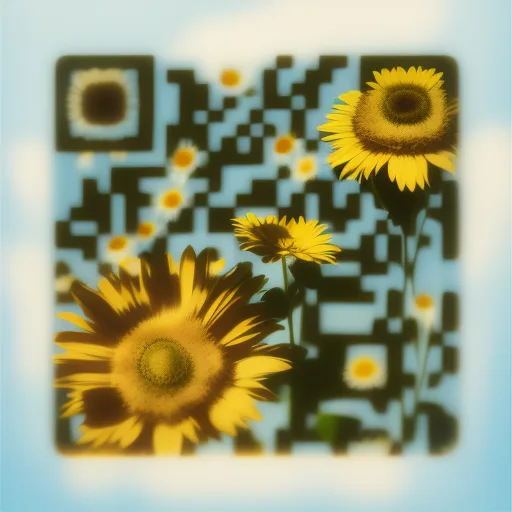 Sunflowers
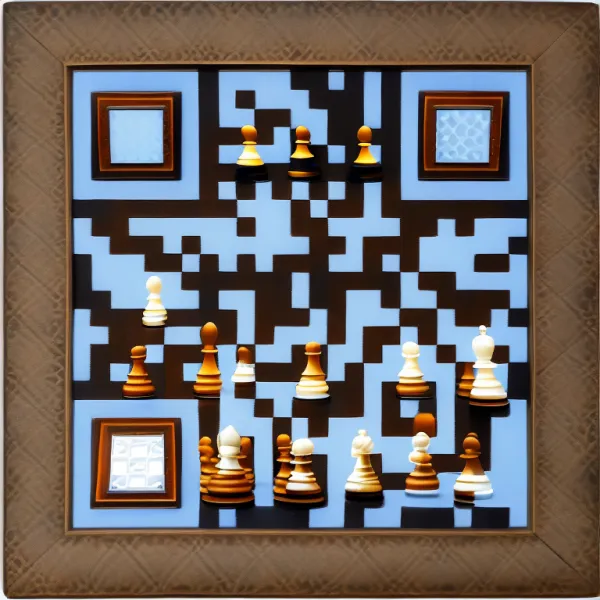 Chessboard
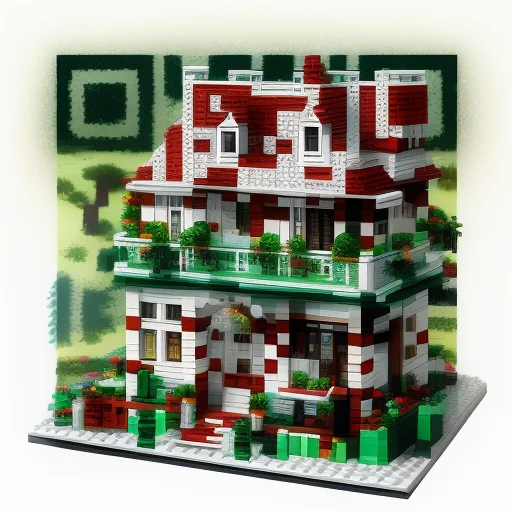 Toy brick house
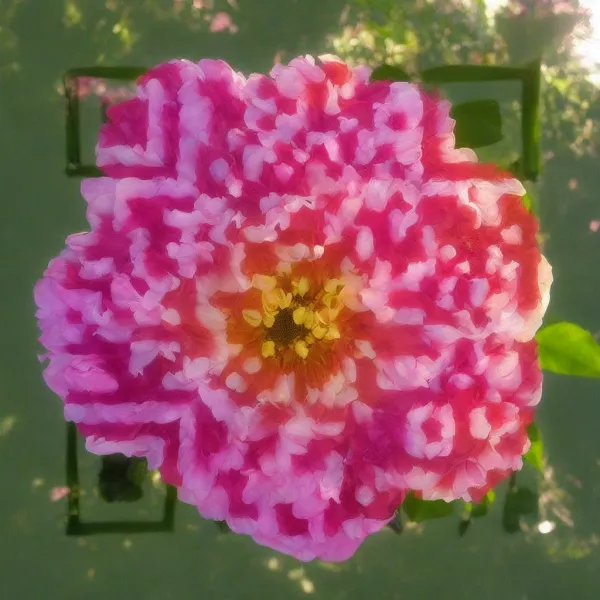 Pink flower
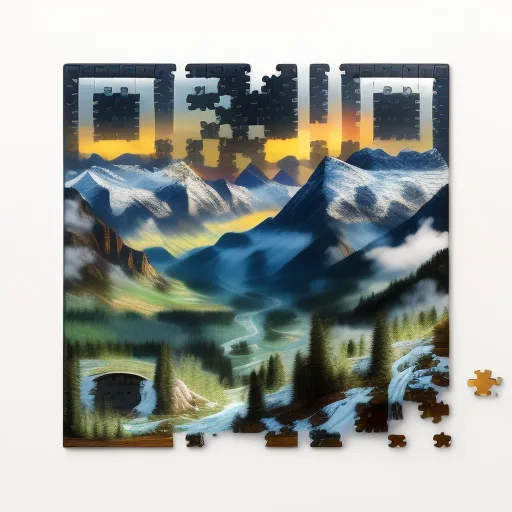 Mountain puzzle
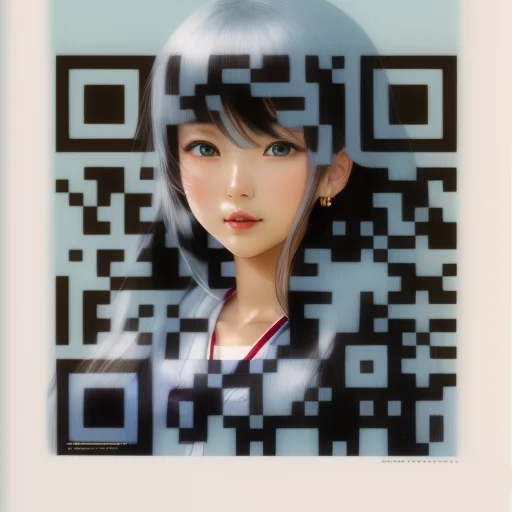 Illustrated portrait
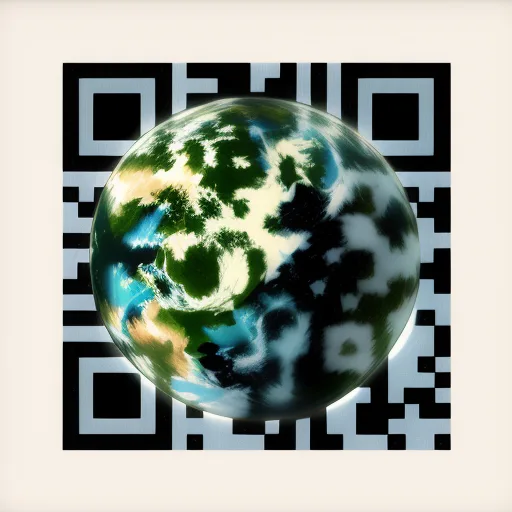 Planet
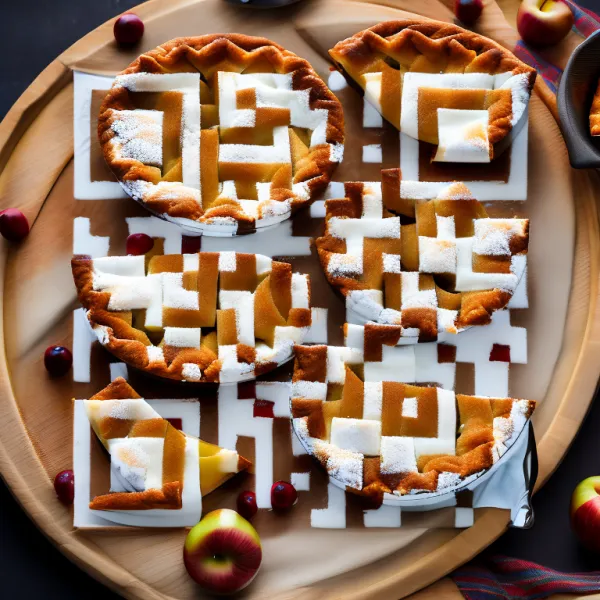 Apple pies
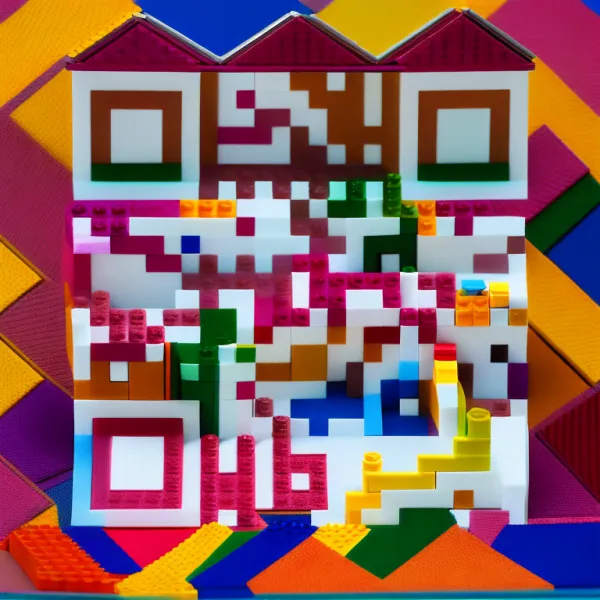 Colourful bricks
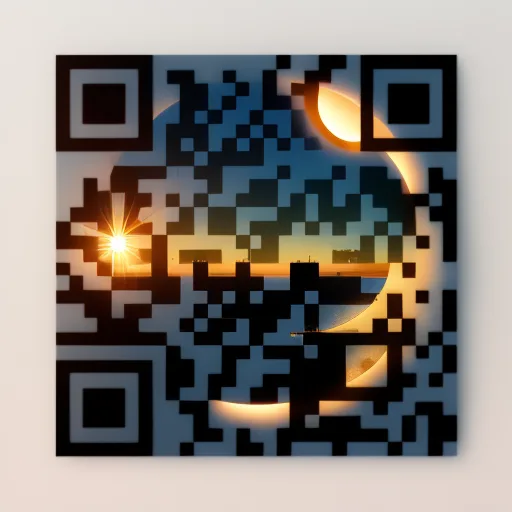 Eclipse
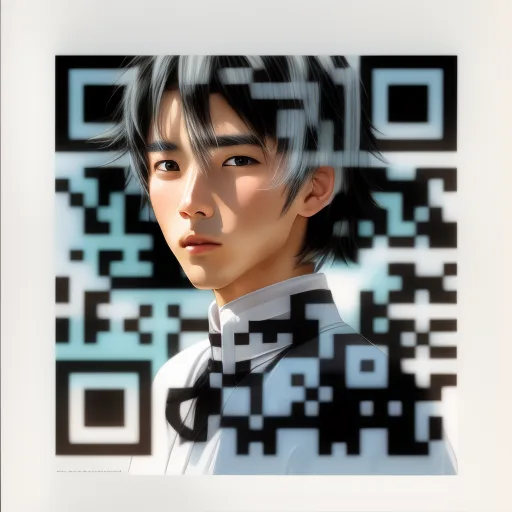 Illustrated portrait
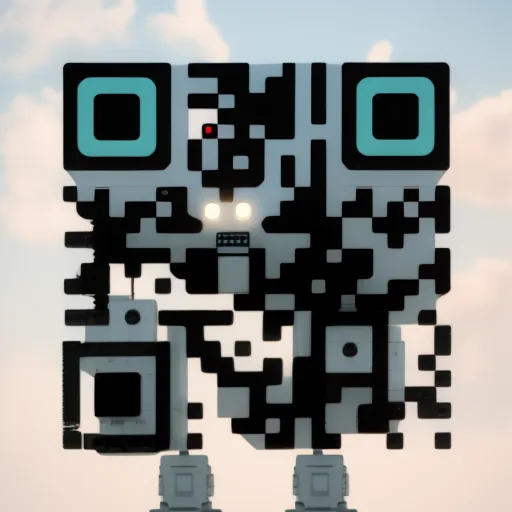 Robot
Your turn. Pick a subject, add a mood, and see what comes out.
Three steps. Zero design skills.
If you can describe a picture, you can make one.
-
1
Paste your link
Your website, your menu, your playlist, your party invite. Any link works.
-
2
Describe the picture
A few words are enough. Not quite right? Change the words and go again.
-
3
Test it, then print it
Every code is checked for scannability. Still, scan it with your own phone before it goes to print.
Why make your AI QR code here?
It looks like art and it works like a proper QR code, with a short link behind it.
Art, not a grid
Your code becomes a beach, a pizza, a robot. Something people stop and look at.
Quick to make
Paste the link, type a few words, done. No design tools to learn.
Checked to scan
Pretty should not mean broken. Every code is checked for scannability, and you test it with your phone before printing.
Change the link later
The code points to a short link. Swap the destination whenever you like, with nothing to reprint.
Scans are counted
Open your dashboard and see how many times your code was scanned.
All your codes together
Your artistic codes live next to your other Codex QR codes, in one account.
Where will you stick yours?
Anywhere a plain QR code would look out of place.
Posters and flyers
A code that is part of the artwork. Use a different one for each poster and compare the scans.
Shop windows
Send passers-by to this week's offer. Next week, change the link and keep the print.
Parties and weddings
Invitations that match the theme, linking to the map, the RSVP form or the photo album.
Business cards
A small picture people remember, pointing to your portfolio or your contact page.
Product packaging
Link to instructions, recipes or a thank-you note, in a code that suits the box.
Restaurant tables
A code in the style of your place. Need the menu too? Build a QR code menu from a photo.
Ready to make your first AI QR code?
One link, a few words, and a QR code people want to scan.
Make your AI QR code Try it free. Test the code with your phone before printing.Frequently asked questions
How do I make an AI QR code?
Paste the link you want people to open, then describe the picture you have in mind, like “sunflowers at night” or “a beach from above”. The AI draws an image with the QR code built into it. If you don't love the result, change a few words and try again.
Is the AI QR code generator free?
You can try it free. Open the generator, paste your link and see how your first code looks.
Will every phone be able to scan it?
Every code is checked for scannability before you get it. An artistic code is still harder for a camera to read than a plain black and white one, so always test yours with your own phone before printing, at the size and on the material you plan to use. If it struggles, make another version with a simpler picture or stronger contrast.
Can I change where the code points after printing?
Yes. The code points to a Codex QR short link, not straight to your page. You can change the destination later from your dashboard, and the printed picture stays the same.
Can I see how many people scanned it?
Yes. Scans are counted in your Codex QR dashboard, so you can tell whether the poster in the window is doing its job.
What should I write in the prompt?
Keep it short and visual: one subject, a place, maybe a mood or a colour. For example “a pizza on a wooden table”, “a snowy mountain at sunset” or “pink flower, close up”. Pictures with clear light and dark areas are easier for cameras to read.